




Royalstiger App
Royalstiger App is our mobile casino experience that works in your browser, so you don’t need to download an iOS or Android app.
This means there is no Royalstiger app iOS or Royalstiger app Android file you must install to play. You simply open the site on your phone, log in, and use the same features you see on desktop. If you ever find a “Royalstiger app APK” on other websites, skip it and use our official mobile version to stay secure.
We designed the interface to fit any screen size, including iPhone, Android, and tablets. You get fast access to games, promotions, and the Deposit section, and everything stays synced across devices.



Royalstiger App in Your Browser
The Royalstiger App works like an app because the site adapts to mobile screens and keeps the main buttons easy to reach. You can switch between games and payments without struggling with tiny menus.
You also don’t lose time with updates. With a browser-based Royalstiger App, you always open the latest version, and changes appear right on the site. This is useful if you play from more than one device, because your account and balance stay the same.
Works on iOS, Android, and Tablets
The Royalstiger App experience runs on most modern phones and tablets. If you use Royalstiger App iOS (iPhone or iPad), you can open it in Safari and play with the same functions as on desktop. If you use Royalstiger App Android, you can do the same in Chrome.
For example, you can start a slot on your phone during a break, then later open the same account on a tablet at home. Your balance stays the same, and your recent games are easy to find again.
No Downloads and No Manual Updates
With the Royalstiger App, you don’t need to install anything from the App Store or Google Play. You also don’t need an APK file. You just open the site and play.
Because it’s browser-based, updates happen automatically. For example, if we add new games or improve the lobby, you will see it the next time you open the Royalstiger App on iOS or Android.
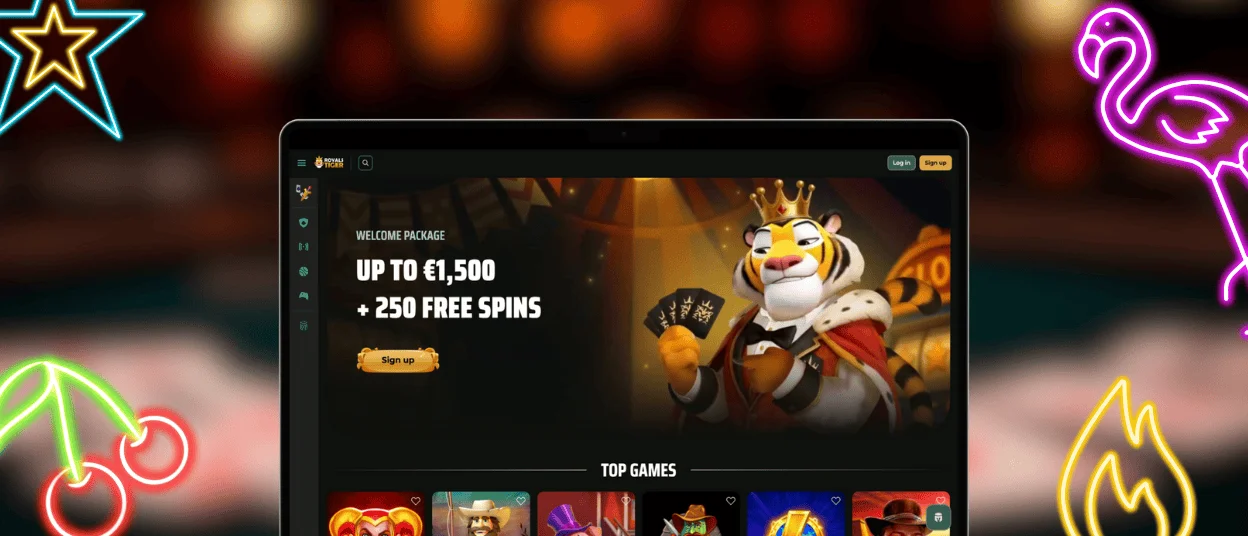
How to Add Royalstiger to Your Home Screen
You can create an app-like shortcut for the Royalstiger App in a few steps.
- Open Royalstiger on your mobile browser.
- Tap the Share or Menu button (depends on your device).
- Choose Add to Home Screen.
- Confirm the name and tap Add.
After this, the Royalstiger icon will appear on your home screen and launch in one tap.
What You Get After Adding It
After you add the Royalstiger App shortcut, you get a faster way to open your account. The icon sits on your home screen, so you don’t need to search in your browser history.
It also feels more like an app when you launch it. For example, you can open the lobby in one tap, then go straight to a slot or the Deposit section without extra clicks.
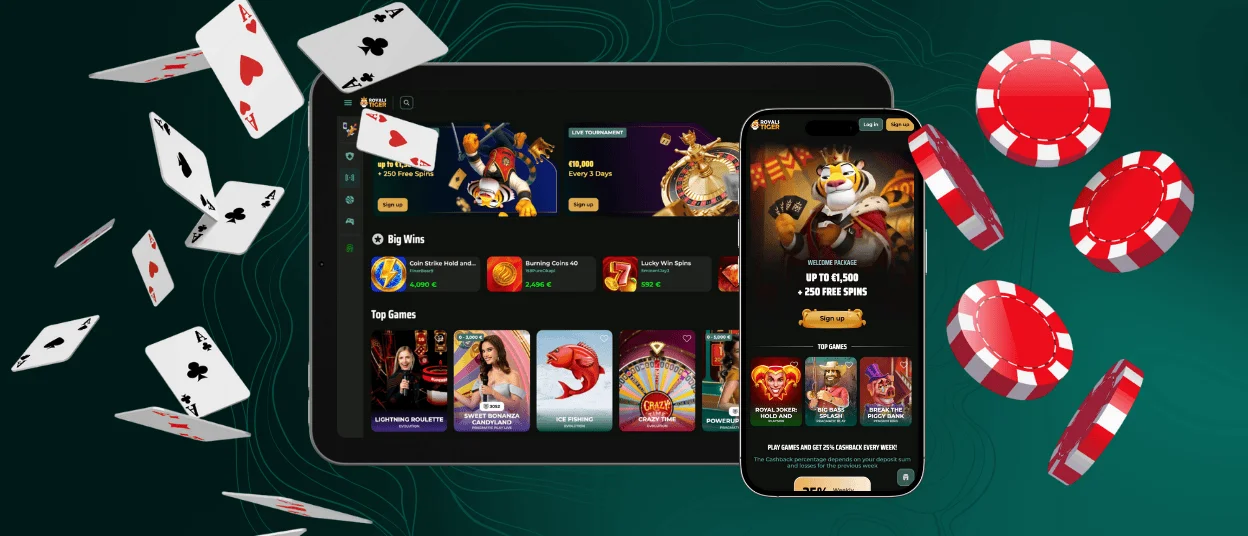
What You Can Do on Mobile
The Royalstiger App mobile version gives you the same core functions as desktop. You can play games, manage your balance, and use promotions directly from your phone.
Play Slots and Live Dealer Games
On the Royalstiger App, you can play both slots and live dealer games from the same lobby. Slots load in seconds and work well on touch screens. Live dealer games stream in real time, so you can play roulette or card games directly from your phone.
Deposit and Withdraw from Your Phone
With the Royalstiger App experience, you can handle payments on mobile the same way you do on desktop. You can make a Deposit in a few taps and request a withdrawal from your account area.
For example, you can fund your balance with a card or crypto, then switch to the game lobby right away. When you’re ready to cash out, you can open the withdrawal page on your phone and submit a request without using a computer.
Check Bonuses and Wagering Progress
The Royalstiger App makes it easy to review promotions and track your bonus status. You can open the promo details to see the main rules, and you can check your progress while you wager.
Security on Mobile
The Royalstiger App runs through a secure connection, and we use SSL encryption to protect data during login and payments. To keep your account safer, use a strong password and don’t save it on shared devices.
For example, if you play on a friend’s phone or a public tablet, always log out after the session. It also helps to avoid unknown Wi-Fi networks when you make a Deposit or request a withdrawal.
FAQ
Do I need to download the Royalstiger App?
No, you don’t need to download anything. The Royalstiger App is our mobile casino version that works directly in your browser.
This is why it’s convenient: you can open Royalstiger App iOS on an iPhone or iPad, and you can open Royalstiger App Android on an Android phone. You get the same account and the same balance, without installing a separate app.
Does it work on iPhone and Android?
Yes. The Royalstiger App iOS experience works on iPhone and iPad through Safari, and the Royalstiger App Android version works through Chrome or other modern browsers.
You don’t need special settings. Just open the site, log in, and start playing. If your browser is updated, games and payments should run smoothly on mobile.
Is the mobile version the same as desktop?
The mobile version covers the same main features as desktop. You can play slots or live dealer games, make a Deposit, and request a withdrawal from your account.
The main difference is the layout. On a phone, menus are simplified and buttons are larger, so it’s easier to use with touch controls.
Can I log in with the same account on mobile and desktop?
Yes. You use one account for both desktop and the Royalstiger App mobile version, so you don’t need separate registrations.
For example, you can log in on your laptop at home, then later open the Royalstiger App on your phone and continue with the same balance and account settings.


